

Carsharing · New York City · live
Unlock a car like a scooter.
See a Ride car on the street, scan the QR code and drive — by the minute, the hour or the day. No counter, no paperwork, no rental desk. Return it in any authorised zone on the map.
New · Carsharing
The car is the new star
Carsharing is the newest way to Ride in New York City: a car on the street, a QR code on the window, and the same account you already use for scooters.
 New
NewCarsharing
Scan, drive and return in authorized zones. No counter, no paperwork, no key handover.
- 01
By the minute, hour or day
Pick the length of the trip when you unlock. The rate shows before you start.
- 02
Unlocked from the app
Scan the QR code on the car and the doors open. The keys stay inside.
- 03
One account, every vehicle
The same profile and payment method you use for scooters.
And the rest of the fleet
Four ways, one account. Different needs, different rides — unlock the Ride you need from the same app.

Scooters
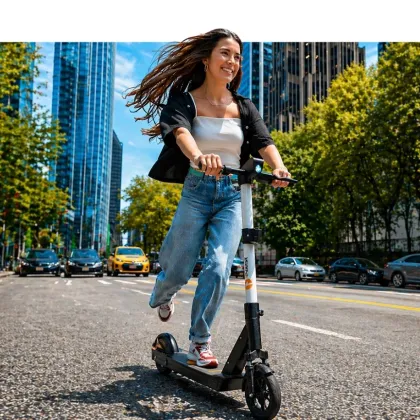
Perfect for short urban trips. Find, unlock and go.
 Coming soon
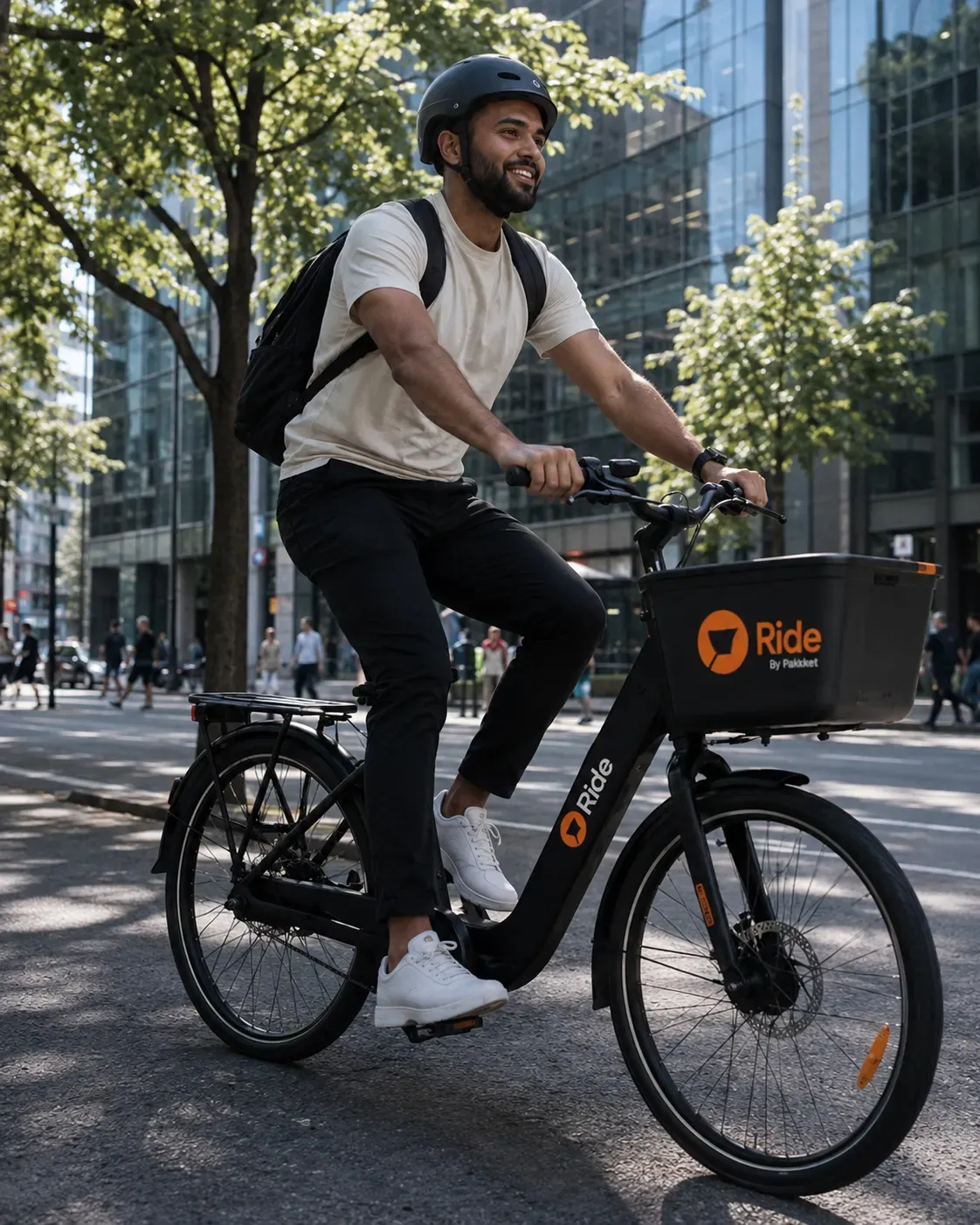
E-bikes
Pedal-assist rides with the same app and same unlock flow.
 Coming soon
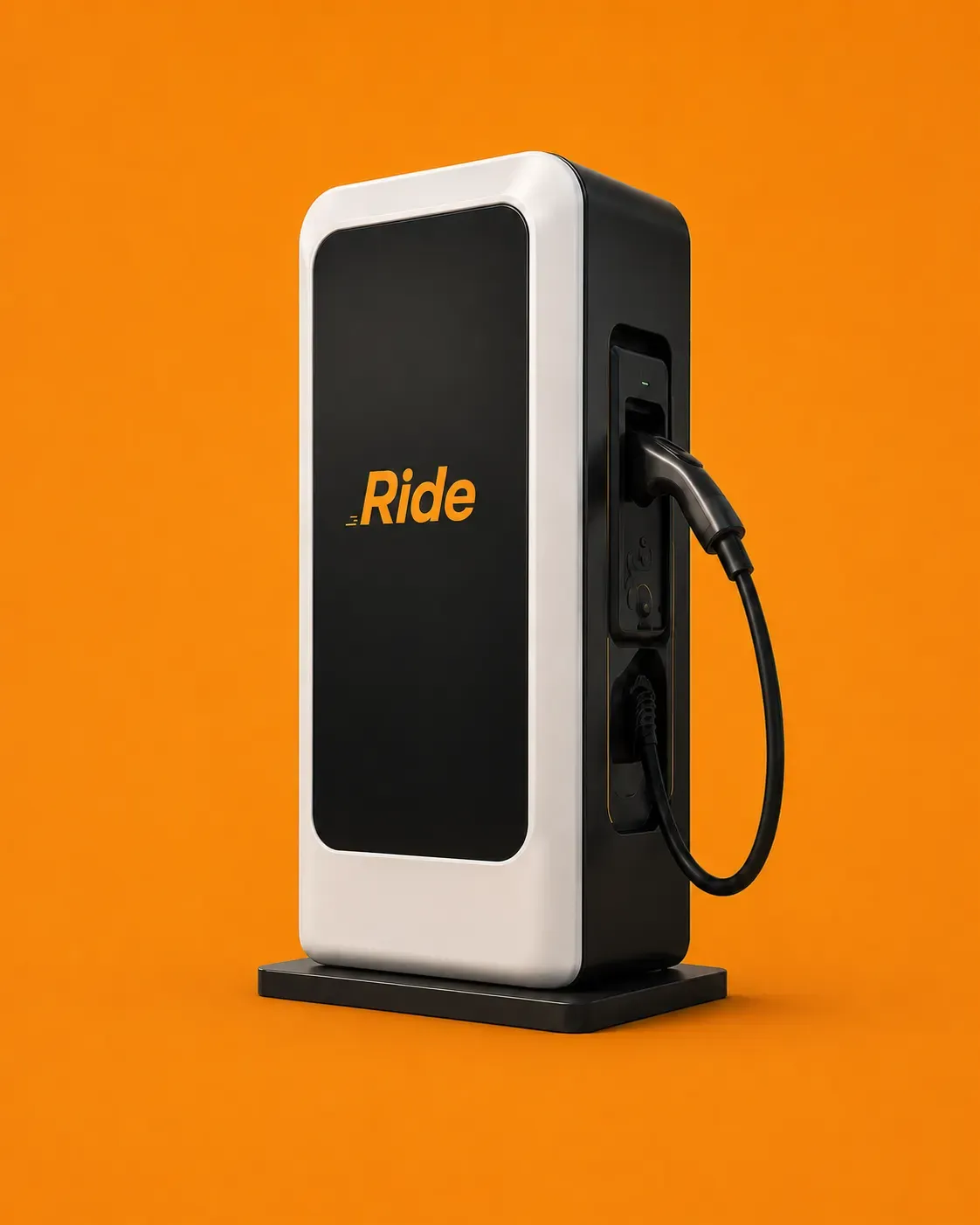
Charging
Charging hubs and expanded services are in preparation.
How to ride
- 01
Download the app
Search for our app on the App Store or Google Play. Download and create your account to get started.
- 02
Locate a vehicle
Use the app to find the nearest available scooter or car. Our map shows you all nearby options.
- 03

Unlock and start
Scan the QR code on the vehicle to unlock it. Follow the safety prompts and get ready to ride.
- 04

Ride safely
Wear a helmet, obey traffic laws, and be mindful of pedestrians and other vehicles.
- 05

End your ride
Park in a designated area shown on the app, then tap "End Ride" to lock the vehicle and stop the timer.
- 06
Payment
Charges are calculated from your ride duration. Your receipt arrives in the app, or by email if you prefer.
Start here
Two minutes to register, then the whole map is yours.


No QR here — on a phone the badges deep-link straight into your store.
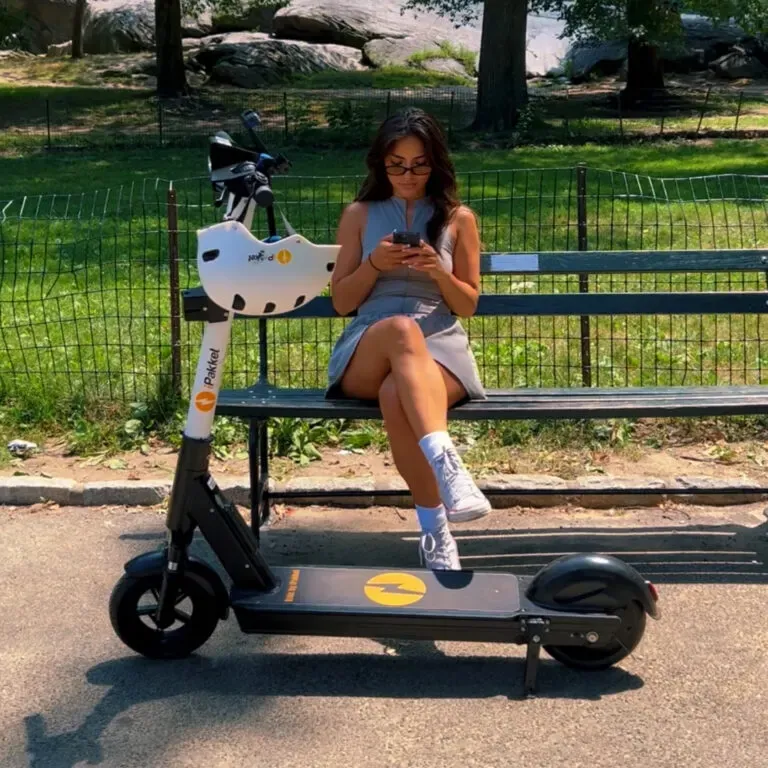
Where you can ride
New York City is live today. New cities appear here the moment a permit is granted — current state, not a roadmap.
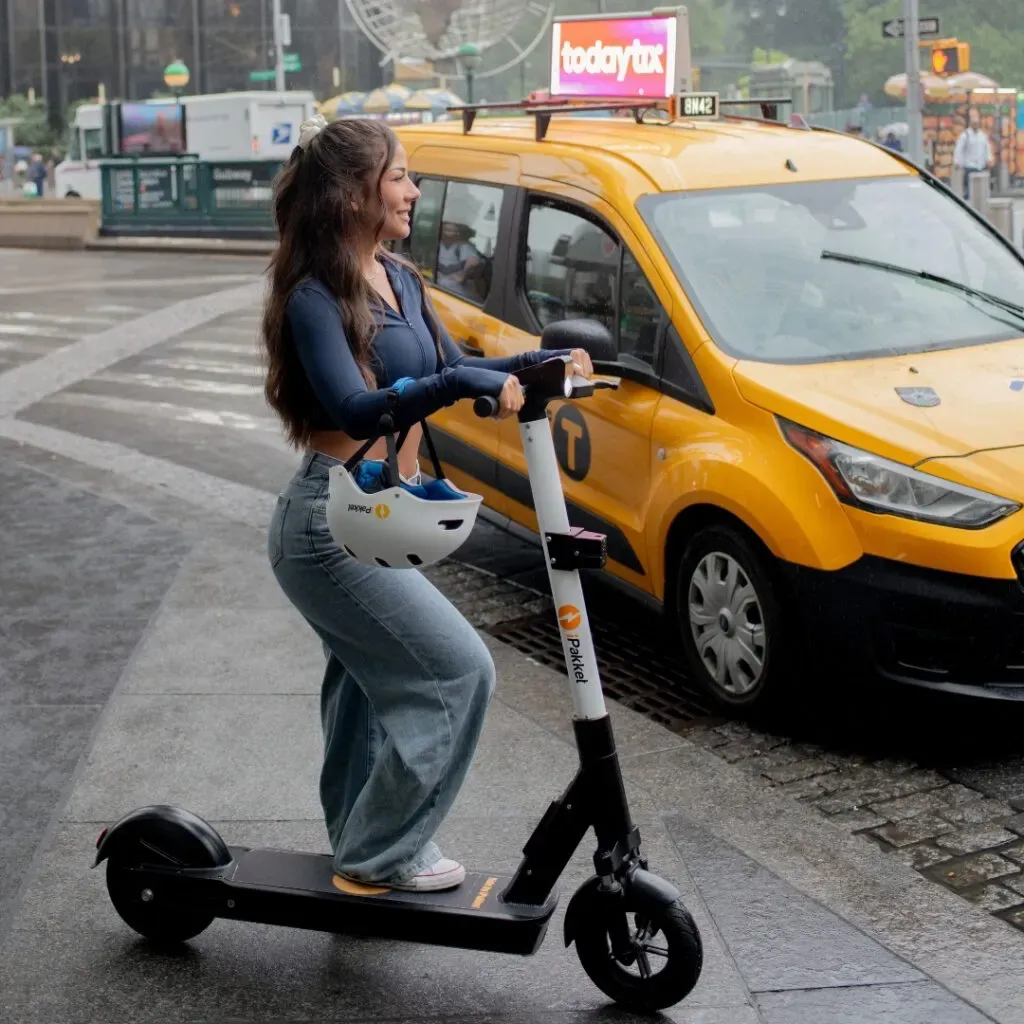

Service area
New York City
Manhattan and parts of Brooklyn. The app map is the authority on where a trip can start and end.

For business
Mobility budgets, fleet placement at your site, one invoice.
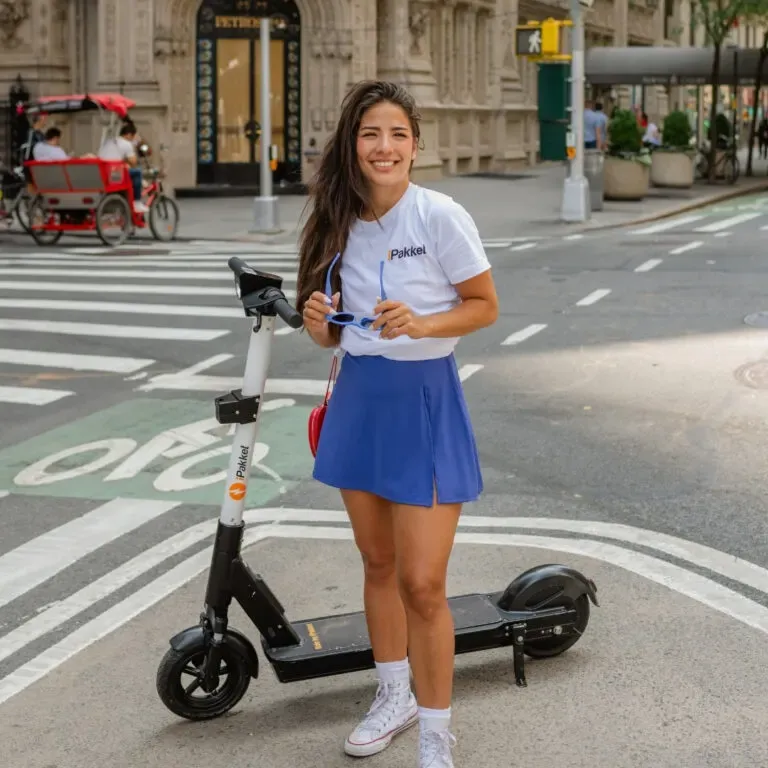
For cities
Permits, data sharing, parking compliance reporting.
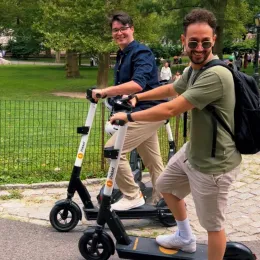
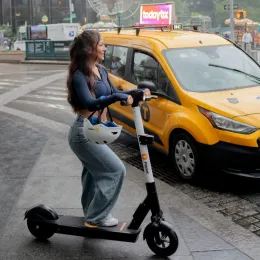
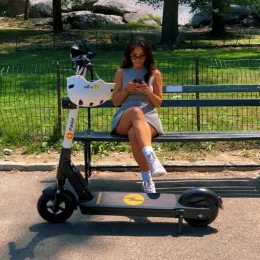
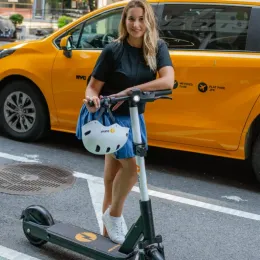
Comments from our users
Comfort on every journey
Verbatim review from the store feed — pulled in as written, never paraphrased.
Reviewer name · date
Review headline, two
Second verbatim review from the store feed. Replace with the real text, author and date.
Reviewer name · date
Review headline, three
Third verbatim review from the store feed. Replace with the real text, author and date.
Reviewer name · date

Questions, answered
Do I need a separate account for cars?
No. One account covers scooters and carsharing in every city where Ride operates. Identity verification and the payment method are set up once, at registration, and apply to every vehicle on the map.
Where can I park?
Any legal bay the map shows inside the service area. The app asks for a photo of the parked vehicle to end the trip, which keeps sidewalks clear and feeds the parking compliance reports shared with the city.
Do I need a helmet?
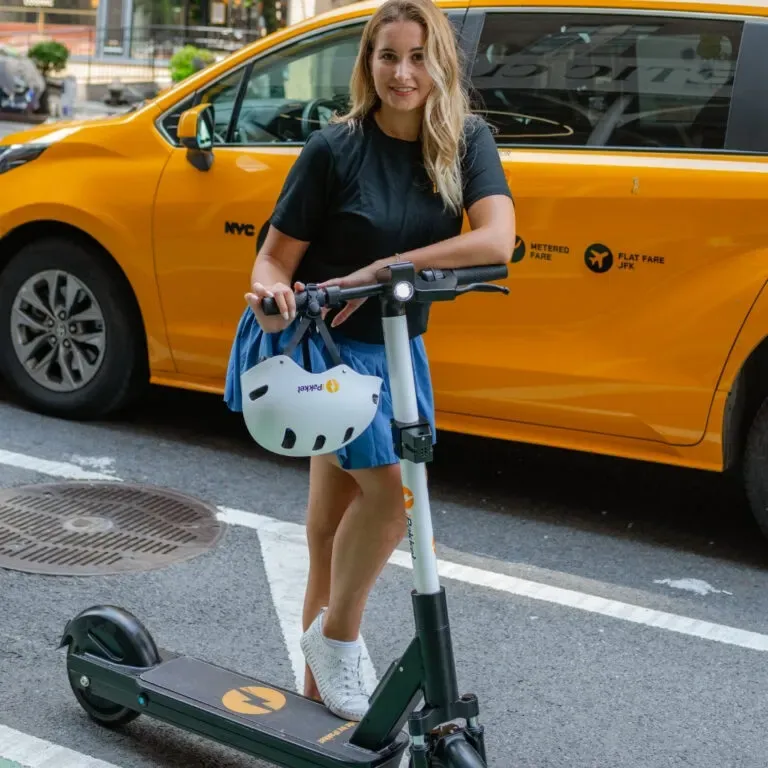
Every Ride scooter carries a helmet on the stem. Wearing it is recommended for all riders and required for under-18s.
Which city is next?
Announced here as soon as the operating permit is granted — never before.
Blog, news and information of interest
Everything you need to know
City rules
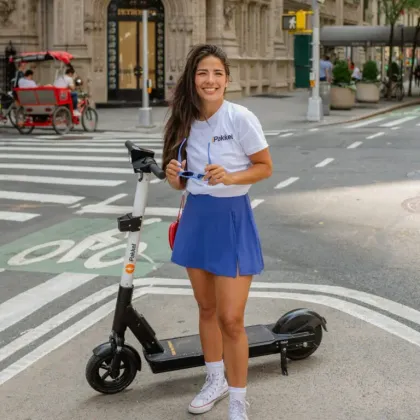
Riding rules in New York City
Where you can ride, where you have to slow down and where the scooter will ask you to park. The short version of the city rules.
Read the post →
Safety
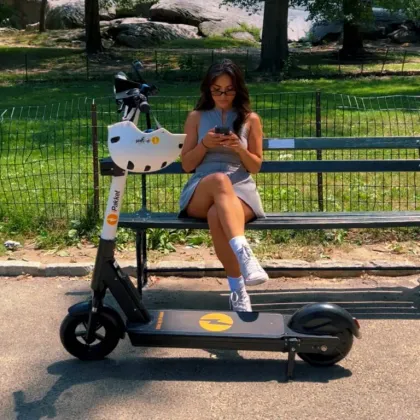
Helmets and safe riding
Every Ride scooter carries a helmet on the stem. Here is when it is required, and the habits that matter most on a shared vehicle.
Read the post →
Company
One account, every vehicle
Scooters and carsharing run on the same profile, the same payment method and the same unlock flow. Set it up once.
Read the post →
Ready to ride?
Install Ride, verify once, unlock anything on the map.